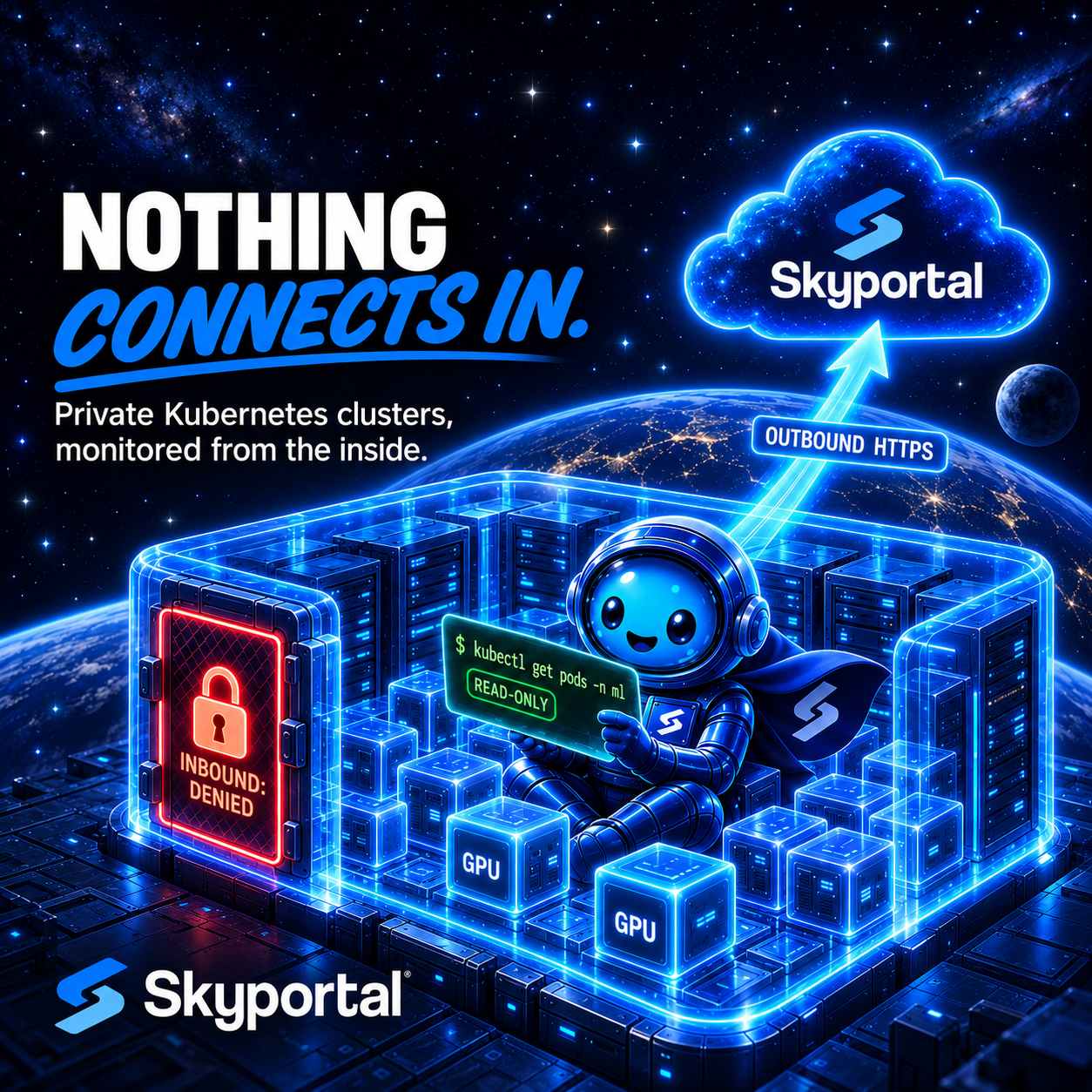
Plenty of production Kubernetes clusters can't be reached from the internet, and that's on purpose. The API server sits on a private endpoint, and the security team would rather not see a kubeconfig with cluster access stored in another company's database.
Skyportal's kubeconfig connection doesn't work for those clusters. It runs kubectl from our servers, so the API server has to be reachable from the internet, and it refuses kubeconfigs that point at private ranges like 10.0.0.0/8 or 192.168.0.0/16. It also refuses kubeconfigs that run an exec credential plugin to get a token, which is what EKS, GKE and AKS kubeconfigs do by default. Running that plugin would mean running your program on our servers.
In September we shipped another way in: an agent that runs inside the cluster and only makes outbound HTTPS calls. Nothing connects in to the cluster, and no kubeconfig leaves it. You install a Helm chart once, with your own access, and from then on the agent uses its own read-only ServiceAccount. SARA, the AI agent in Skyportal's chat, can then work with the cluster's pods, events, logs, node usage and pod sizing.
What runs in your cluster
With kubernetes.enabled=true, the chart adds two workloads next to the agent's original Deployment.
The cluster pod is a single-replica Deployment. It runs the read-only kubectl reads Skyportal asks for: nodes, namespaces, pods, warning events, deployments and statefulsets, kubectl top, and recent logs from failing pods. Its ClusterRole has get, list and watch on nodes, namespaces, pods and events, get on pod logs, and get and list on deployments, statefulsets and the metrics API. It has nothing on Secrets, Services or proxies, and no write verbs.
The node pod is a DaemonSet, so every node gets one. It reads CPU, memory, disk, load and network from the host's /proc, mounted read-only, and GPU data from nvidia-smi, and it has no Kubernetes API token at all. Because GPU readings come straight from the driver, you don't need a DCGM exporter for GPU utilization. The DaemonSet tolerates every taint by default, so GPU and control-plane nodes are covered.
The third workload is the agent's original Deployment, which reports experiment runs from Weights & Biases and MLflow. If the cluster runs neither, you can turn its scanners off.
On top of the RBAC, the agent checks every command itself. It runs read-only kubectl and refuses anything else, whatever the server sends, so the read-only guarantee doesn't rest only on our backend.
Outbound only
The agent needs outbound TCP 443 to app.skyportal.ai, plus DNS. The chart's NetworkPolicy denies all inbound traffic. Outbound, it allows DNS, HTTPS and your API server's port. If you allowlist egress, use the hostname, because its IP addresses are shared and they change. Nodes also pull the image from ghcr.io, unless you mirror it to your own registry.
Skyportal decides what to collect and asks for it every 30 seconds. If Skyportal can't be reached, uploads wait on disk, up to 512 MiB, and go out in order once it's back, each stamped with the time it was collected. A deploy on our side or a network blip on yours gets backfilled instead of leaving a hole in the cluster's history. If uploads stop for about 90 seconds, Skyportal marks the cluster stale.
Installing it
You need Helm 3.8 or newer, kubectl with access to the cluster, and an agent token. Create the token on the Agent Tokens page (/agents/) with an agent name, a cluster name and an optional expiry. It starts with agt_, belongs to one cluster, and is shown only once.
Check two things first. The NetworkPolicy only allows the API server on ports 443 and 6443, so if yours listens elsewhere, add the port to kubernetes.apiServerPorts. On GPU nodes, find the runtime class that exposes the NVIDIA driver, usually nvidia:
kubectl get endpoints kubernetes -n default
kubectl get runtimeclass
Then create the namespace, the token Secret and the release:
kubectl create namespace skyportal
kubectl label namespace skyportal pod-security.kubernetes.io/enforce=privileged

read -rs AGT   # paste the agt_ token; it is not echoed or kept in history
printf '%s' "$AGT" | kubectl -n skyportal create secret generic skyportalai-agent-token \
  --from-file=SKYPORTALAI_AGENT_TOKEN=/dev/stdin
unset AGT

helm upgrade --install skyportalai-agent oci://ghcr.io/skyportalai/charts/skyportalai-agent \
  --version 0.3.3 -n skyportal \
  --set token.existingSecret=skyportalai-agent-token \
  --set kubernetes.enabled=true \
  --set kubernetes.node.gpu.runtimeClassName=nvidia
The namespace needs the privileged label because the node DaemonSet mounts the host's /proc read-only and keeps its upload buffer in a host directory, and the baseline and restricted Pod Security Standards refuse host mounts. The cluster pod needs no host access.
On a cluster without GPUs, leave out the runtime class. If you don't run W&B or MLflow there, add --set config.enableWandb=false --set config.enableMlflow=false. The chart and the image are public, so you don't need a registry login or a pull secret. Keep --version pinned, so an upgrade happens when you decide on it.
Pod CPU and memory usage come from kubectl top, so install metrics-server if the cluster doesn't have it. Without it, usage shows as unknown.
Then check the pods:
kubectl -n skyportal get pods -o wideYou should see one -cluster- pod and one -node- pod per node. In Skyportal, the cluster appears in your host list with a Kubernetes badge, marked "Waiting for agent" until the first upload arrives. That should take less than a minute.
Or let SARA set it up from a chat
You can also start in a chat. Ask SARA to connect a cluster that isn't reachable from the internet. It registers the cluster and asks for approval to create the token with an Agent token card. That card only has Approve and Reject, and auto-approve never answers it.
The raw token never goes through the conversation. In the web app, a card shows it once, with a Copy button and the commands to create the Secret. In the terminal, with skyportalai 0.3.1 or later, the token can go into the cluster without being shown. The CLI keeps it in memory, shows your current kubectl context, and asks first:
Create Secret skyportalai-agent-token in namespace skyportal and set that namespace's Pod Security enforcement to privileged, using kubectl context '<context>'? [y/N]If you answer yes, it creates the namespace, sets the label and creates the Secret, passing the token to kubectl on stdin. Then it offers the helm upgrade --install command. The token isn't printed or written to disk, and it doesn't end up in the prompt history or the transcript. If you answer no, or kubectl is missing or fails, it prints the token once with the commands to run yourself.
The handover is good for 10 minutes. After that, rotate the token on the Agent Tokens page. Once the chart is in, ask SARA whether the agent is connected. It answers waiting, connected (with node and GPU counts) or stale.
Two more rules apply to tokens. A session signed in with a short-lived skt_ access token can't create one, so run skyportalai login with an API key first. And a token stops working when its owner is deactivated, or when the organization requires two-factor authentication and the owner hasn't set it up.
What SARA can do through the agent
SARA can run these kubectl subcommands through the agent: get, logs, top, describe, api-resources, api-versions, version, cluster-info and explain. Anything else is refused with a message saying the cluster is connected through the read-only agent. Helm isn't available on this route.
Those commands still go through the namespace scope you pick in the chat and the same approval rules as a kubeconfig cluster.
That covers the first questions in a lot of incidents: which pods are crash looping and what their logs say, which warning events fired, and how busy each node is.
Pod right-sizing
Requests and limits tend to get set once and left alone. Ask SARA something like "Are any pods in ml-serving over-provisioned?" and it compares each pod's latest CPU and memory usage, from the last 10 minutes, with the pod's requests and limits summed over its containers. It flags:
- OOM-kill risk: memory at 90% or more of the limit
- Throttled: CPU at 90% or more of the limit
- Eviction risk: usage above the request, so the pod depends on spare capacity on its node
- No memory limit on one of its containers
- No requests set
- Over-provisioned: usage under 20% of the request
The answer starts with a count of pods that are ok, flagged or of unknown usage, lists the flagged pods first, and ends with a short conclusion. It works on clusters connected either way.
It is deliberately narrow. It reports findings and doesn't suggest new values. It looks at the latest sample instead of an average over time, and it doesn't size GPUs. Platform namespaces such as kube-system, gpu-operator, monitoring, cert-manager and ingress-nginx are left out. Without metrics-server, a pod is reported as usage unknown and never counted as ok. Reading missing data as healthy would hide the pods you're trying to find.
Cluster numbers that add up
When SARA reports a cluster's CPU or memory, it adds up what each node uses and divides by the nodes' total size. An average of node percentages would weigh a small busy node the same as a large idle one: a 256 GiB node at 10% and a 16 GiB node at 90% average to 50%, while the cluster is actually using 14.7% of its memory.
If a node didn't report, the cluster figure stays blank, because a sum of only the nodes that answered would understate usage. A reading more than 10 minutes old comes with a NOT CURRENT warning and its age, so an agent that stopped reporting never passes for a live one.
Current limits
The agent is read-only on purpose. If you want SARA to apply manifests, delete resources or upgrade Helm releases, with approvals, connect the cluster with a kubeconfig instead. That route needs an API server Skyportal can reach.
A few more limits today:
- The 30-second collection interval is set by Skyportal and can't be changed.
- vLLM serving metrics and DCGM exporter metrics aren't collected through the agent.
- Kubernetes monitoring needs the Helm chart. The plain manifests in the repository only cover experiment tracking.
The agent sends full pod specs (kubectl get pods -A -o json), including environment variable values written directly into a spec. Keep secrets in Kubernetes Secrets, which the agent can't read. Skyportal redacts secret-looking values before command output reaches the model or the chat, but don't count on that for credentials written into a pod spec.
Which route to pick
Connect with a kubeconfig when the API server is reachable and you want SARA to be able to change things, with approvals. Use the in-cluster agent when the API server is private, when your kubeconfig needs an exec plugin, or when no kubeconfig should leave the cluster. You can set up both on one cluster, and Skyportal will use the kubeconfig.
Get started
The in-cluster agent guide lists every Helm value. The chart is at oci://ghcr.io/skyportalai/charts/skyportalai-agent, and the agent's source lives with the CLI and the Python SDK in the open source skyportalai repository.
Create a token on the Agent Tokens page, or open a chat and ask SARA to connect your private cluster. About a minute after the chart is installed, you can ask it why that pod keeps restarting.