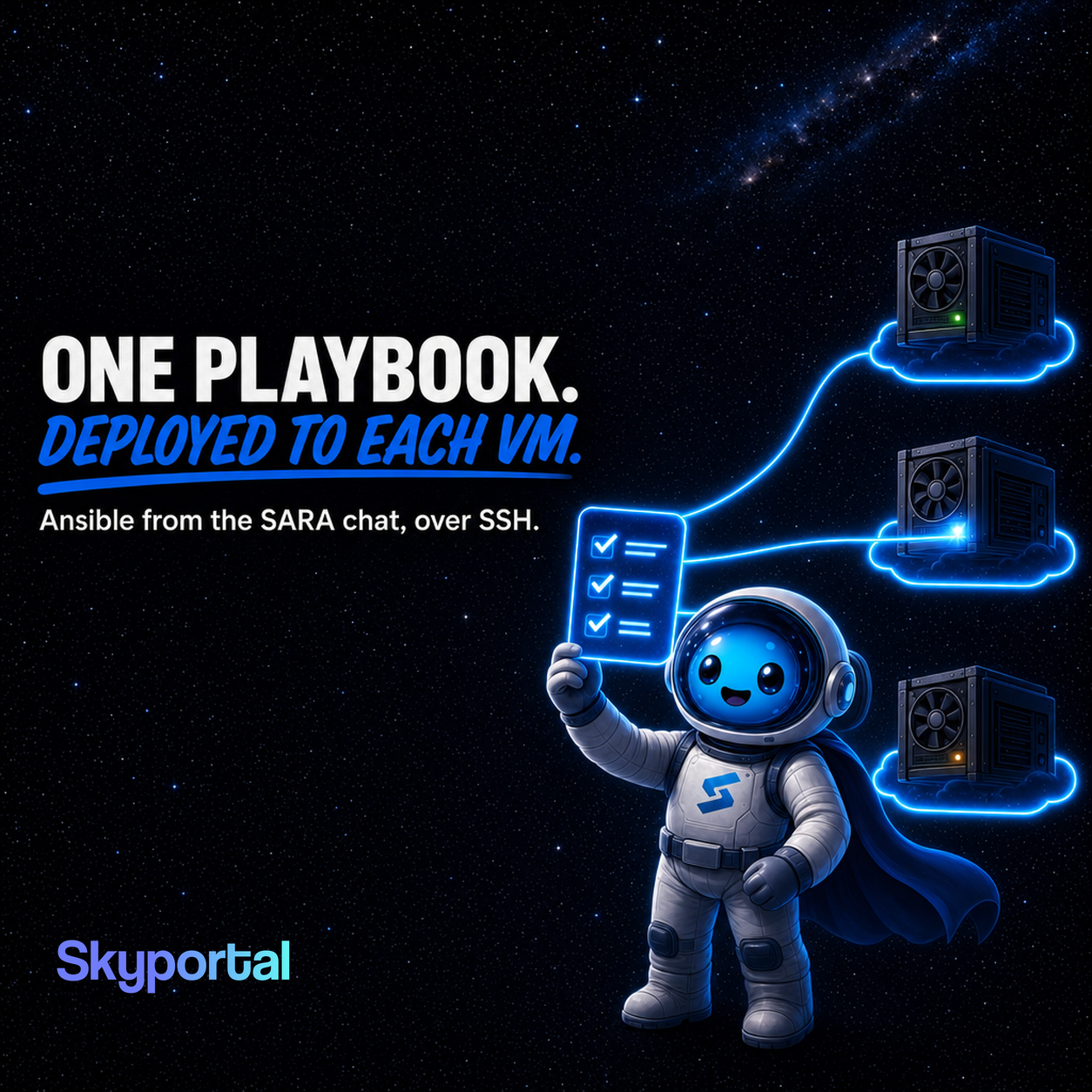
Say you train on a GPU VM on AWS, keep a cheaper one on Lambda for experiments, and grab one on GCP when a region has capacity. Each new VM needs the same setup: a few packages, a Python environment, a check that the NVIDIA driver works. Doing it by hand is fine the first time. By the third VM the machines no longer match, and a job that ran on one fails on another for a reason nobody wrote down.
Skyportal lets you keep that setup as an Ansible playbook. SARA, the agent in Skyportal's chat, writes the playbook with you, saves it in your account and deploys it to any VM you've connected over SSH. You don't need cloud account keys or a separate Ansible control machine. The playbook runs on the VM itself, over the SSH login Skyportal already has, and the deploy goes through the same approval as any other command that changes the VM.
Before the first deploy
Add the VM to Skyportal over SSH first. The Bring Your Own Cloud GPU post walks through that for AWS, GCP, Lambda, RunPod and Vast.ai. Playbooks deploy only to SSH hosts, so a Kubernetes cluster you connected with a token can't be a target.
The deploy calls ansible-playbook on the VM, so Ansible has to be installed there. On an Ubuntu or Debian image that's two commands:
sudo apt-get update
sudo apt-get install -y ansible
On a Dev or Staging host you can also ask SARA to install it, and you approve the command in the chat. If your playbook uses become: true, the SSH user also needs sudo without a password prompt.
Writing the playbook with SARA
Tell SARA what the VM needs and it drafts the YAML. When you're happy with it, SARA saves it under a name you pick. Requests like these work:
- "Write an Ansible playbook that installs git, tmux and htop and checks that nvidia-smi works. Save it as gpu-base."
- "Show me the gpu-base playbook."
- "Deploy gpu-base to this VM and tell me what changed."
SARA can also list, update and delete your playbooks. Names are unique in your account and can use letters, numbers, spaces, dots, dashes and underscores. A playbook for that first request could look like this:
- name: Base setup for GPU VMs
  hosts: all
  become: true
  tasks:
    - name: Install common tools
      ansible.builtin.apt:
        name: [git, tmux, htop]
        state: present
        update_cache: true

    - name: Check the NVIDIA driver
      ansible.builtin.command: nvidia-smi
      changed_when: false
Two rules come from the way Skyportal runs it. First, the inventory is only the VM itself, so use hosts: all or hosts: localhost. A play aimed at a group such as gpu_nodes matches no host and does nothing. Second, only that one file goes to the VM. A role, an include_tasks file or a template that sits next to the playbook on your laptop won't be there, so keep the tasks inline.
Skyportal checks every playbook before saving it. It has to be a YAML list of plays, each play needs hosts, and the whole file has to fit in a single command, which works out to about 5 KB after gzip. A base setup like the one above is far below that.
What a deploy runs on the VM
When you ask SARA to deploy, it prepares one shell command and runs it on the VM with the same tool it uses for everything else. The command writes the playbook to a private temporary file in /tmp, runs ansible-playbook -i 'localhost,' --connection local on it, and deletes the file when it exits. SARA then reports what ansible-playbook actually printed, failures included.
That command writes a file, so Skyportal treats it as a change to the host. A VM under Production is read-only by default and refuses the deploy. Under Staging or Custom you approve every deploy in the chat, and under Dev it follows the approval settings you already use.
The approval shows the shell command, and the playbook inside it is gzipped and base64 encoded. Read the YAML before you approve: ask SARA to show it, or run skyportalai ansible show with the playbook ID.
One playbook on AWS, GCP and Lambda
VMs from different clouds end up in the same Hosts list, so the same saved playbook can go to all of them. Each deploy targets one VM. For three VMs you deploy three times and approve each one, and SARA reports each result on its own.
The playbook still has to fit the image. The apt tasks above work on Ubuntu and Debian. A VM running Amazon Linux 2023 needs dnf tasks instead, and you can keep that as a second playbook with its own name.
From the terminal
The Skyportal CLI has the same playbooks. It needs Python 3.11 or newer.
python -m pip install skyportalai
skyportalai login
skyportalai ansible create gpu-base --file gpu-base.yml \
  --description "Base packages for GPU VMs"
skyportalai ansible list
list prints each playbook's ID, and skyportalai servers prints the ID of each host. Then deploy to one VM:
skyportalai ansible deploy 7 --server 12deploy doesn't run anything on its own. It opens a new chat where SARA prepares and runs the deploy, and it prints that chat's ID with a skyportalai chat wait line you can paste to follow it. The run still stops for your approval in that chat. The CLI can also read the YAML from standard input with --file -, which helps when another script writes the playbook.
Get started
The Free plan is enough to try this on a VM you already pay for. Sign up, add the VM over SSH, install Ansible on it, and ask SARA to write your first playbook. The CLI is on PyPI.